Groups
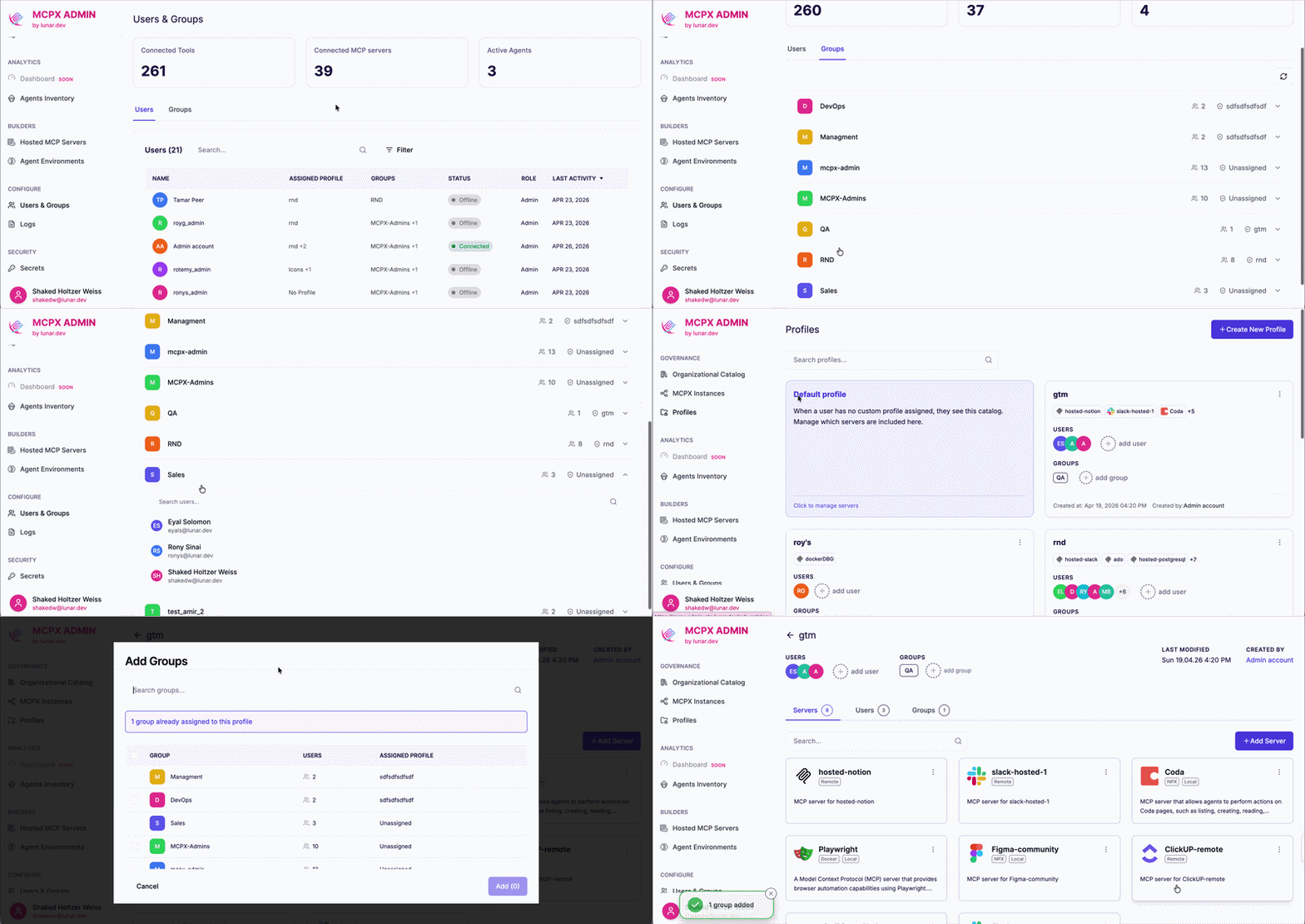
A Group in MCPX Enterprise maps directly to a group in your identity provider. Admins assign Groups to Profiles, and every member inherits access to that Profile's MCP servers. When someone joins or leaves the group in your IdP, their MCPX access updates automatically.
This lets admins govern MCP access by team or role rather than configuring access per user.
This helps onboard and offboard team members seamlessly with direct integration with the organization's IdP.
The access chain is: user → Group → Profile → MCPX
Supported Identity Providers
Groups sync from Okta, Microsoft Entra, Google Workspace, and any OIDC-compatible provider. Additional integration types are also supported - contact our support team for details.
💡 MCPX Enterprise Feature - Groups is exclusively available on our Enterprise plan.
Contact our team to book a demo and unlock this feature.